WAR: Card Battle in Python with Pygame
Developing a 2D digital version of the classic card game.

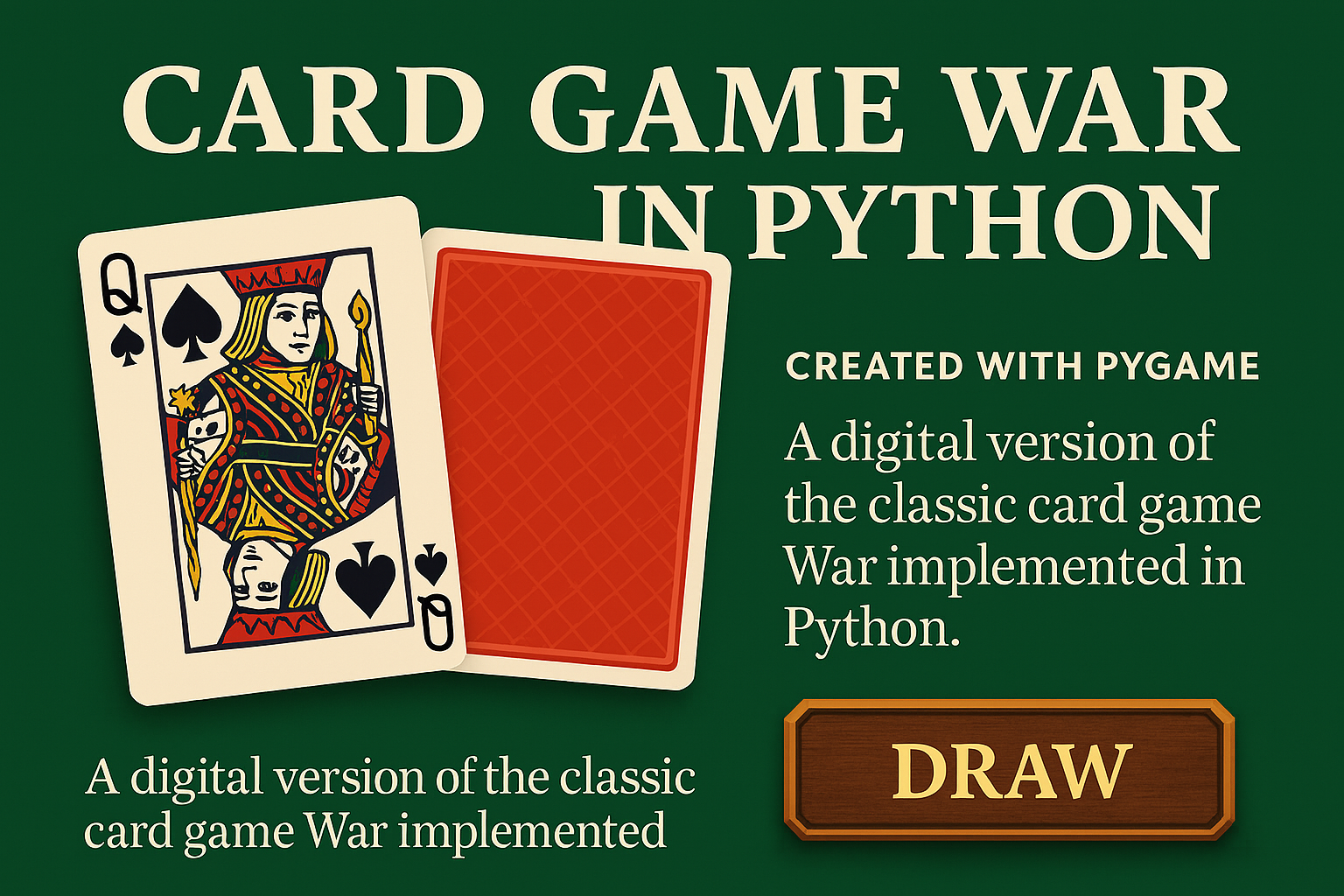
War is a simple but exciting card game that almost everyone knows. I decided to convert it into a digital form using Python and the Pygame library, creating my own visual version of this classic. The project combines work with graphics, user interface, animations and basic game logic.
Pygame Assets & UI
The core of the development involved handling various assets and game states. I focused on creating a clear game interface with custom-made graphical elements. Key technical features include loading and scaling card images, implementing animation for flipping cards, and building a modular deck logic that handles scores and game progress automatically.
Game Features
- Graphical menu with customized interactive buttons.
- Automated "War" phase for tie-breaking scenarios.
- Dynamic scaling of assets for different screen layouts.
- Event-driven game loop for smooth user interactions.
Reflection & Professional Growth
Building this game was my first deep dive into 2D game development. It forced me to think about code organization differently, especially when managing simultaneous animations and game states. I learned the importance of separating game logic from the rendering loop.
Key Challenges Overcome
- Synchronizing animations with the underlying game state.
- Efficient asset management to prevent memory lag.
- Creating a responsive UI within the Pygame event loop.
Technical Takeaways
- Advanced understanding of OOP in Python.
- Practical experience with 2D coordinate systems.
- Handling user input and event-driven programming.
"The goal was not only to create a functional game, but also to try working with assets, event loops, and classes. WAR proved to be a great training ground for mastering modular logic in Python."